Hasat Vadisi TR Play
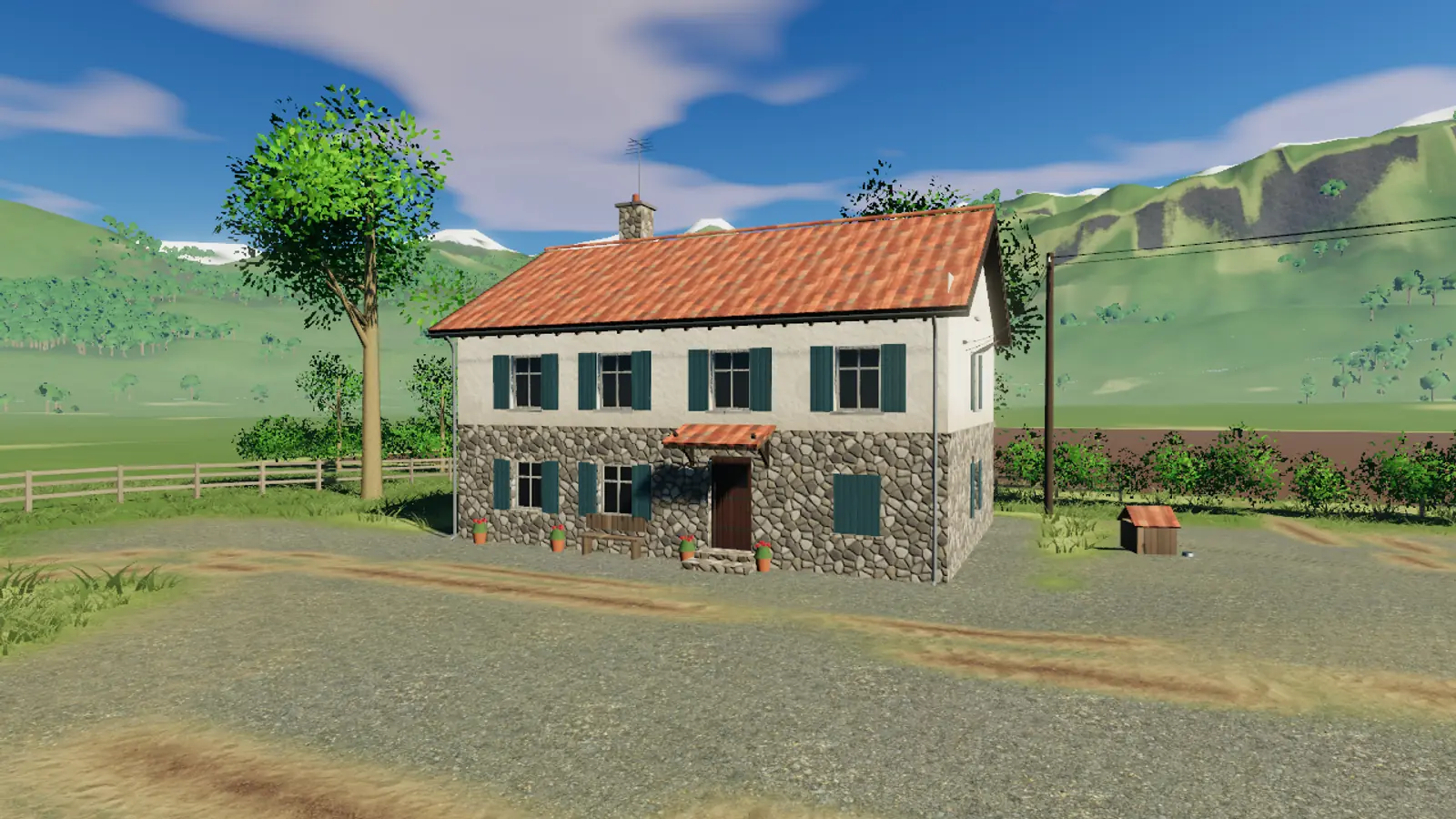
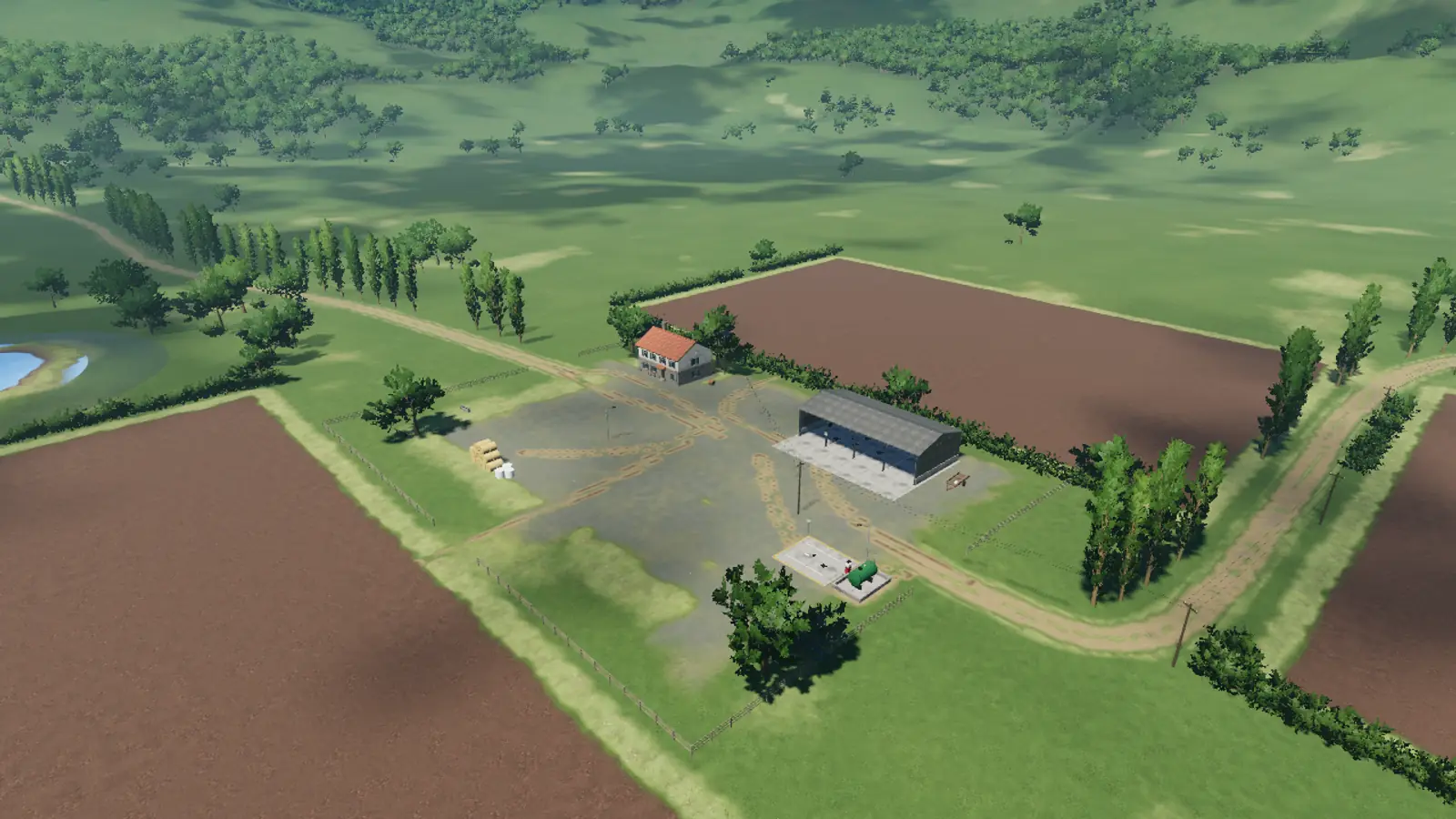
The farmhouse, shed and ploughed fields in the valley in morning light

Free · In your browser · No install

Hasat Vadisi Back to the land.

A semi-realistic 3D farming simulation that runs in your browser. Climb into the tractor, plough, sow, spray and harvest, and keep your grandfather's indebted farm alive in story mode.

  • No account needed
  • Desktop, tablet and phone
  • Plays offline too
The game

A real farming year, one click away

No download, no store, no sign-up. Open the page and the main menu is there in seconds; the game files arrive in the background while you are in the menu.

Grandpa Yusuf waving in front of the stone farmhouse
Story mode

Chapter 1: Inheritance

Grandpa Yusuf is ill and there is a letter from the bank on the table. You come back from the city to the valley: sow your first corn, sell your first harvest and get the farm out of debt.

  • Quests that teach by playing: ploughing, sowing, harvesting, selling
  • Neighbour Ayşe, Deniz and AgroNova: your decisions change relationships
  • Chapter 2, “The Language of the Soil”, adds fertiliser, weather and contracts; Chapter 3, “The Barn”, brings livestock

“My father cleared this land stone by stone. If it's sold, so am I.” — Grandpa Yusuf

A green corn field about to tassel
Field cycle

Sow, grow, harvest

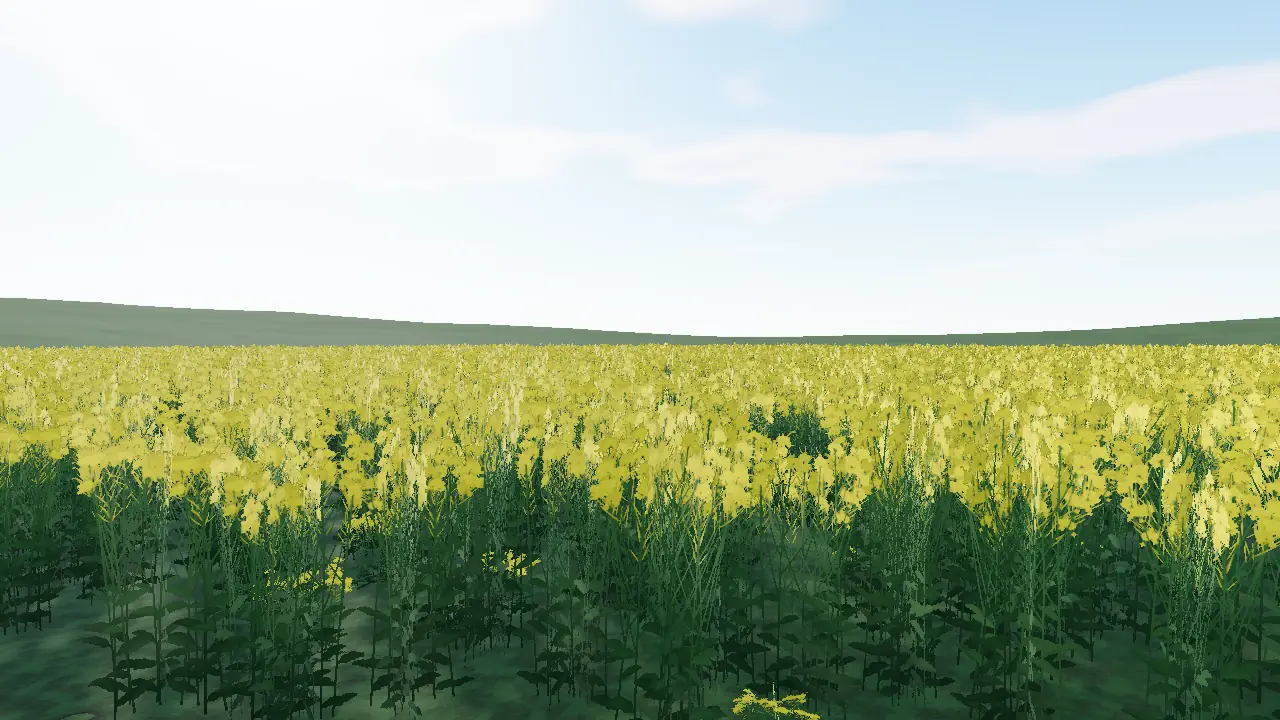
Every field goes through a real cycle: plough it, spread lime, sow, fertilise, spray the weeds, then bring in the combine and sell the grain at the best price.

  • Wheat, barley, oats, corn and canola, each with its own sowing window
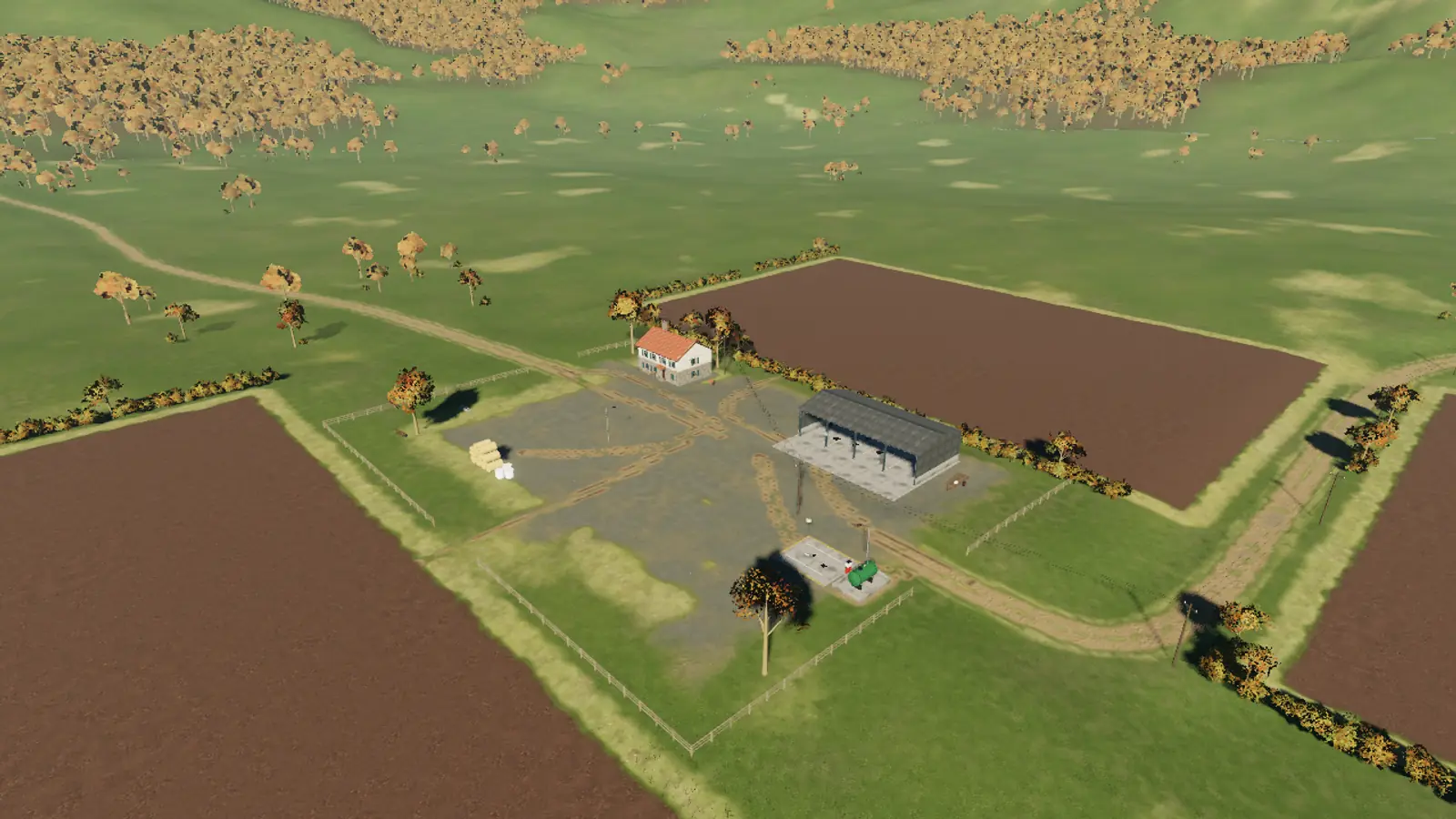
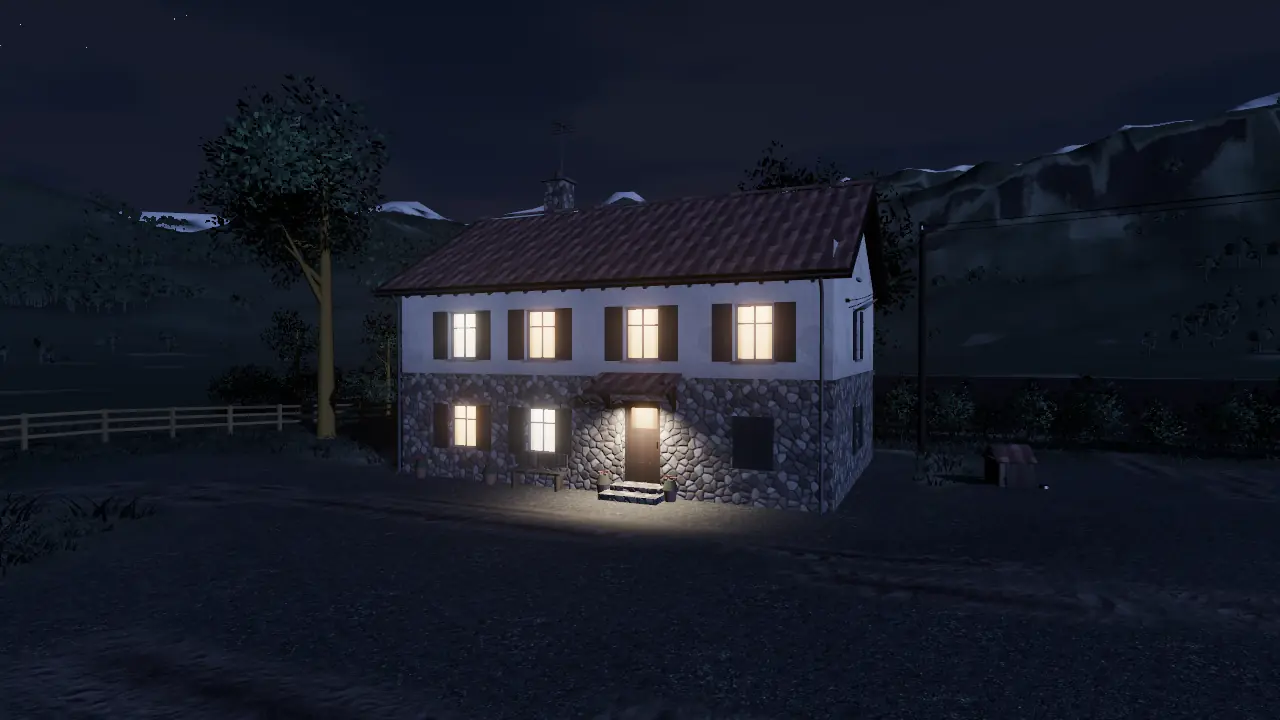
  • Four seasons from spring to winter, sunrise and night
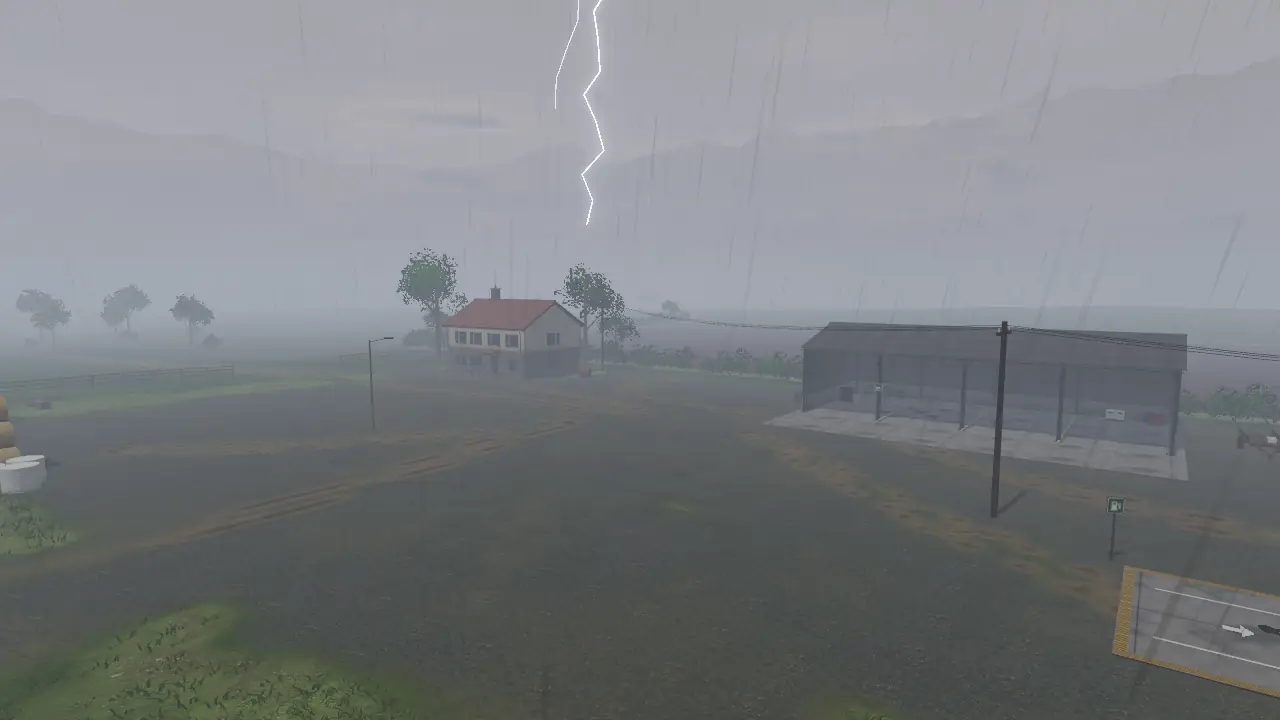
  • Rain, storms and hail: ignore the forecast at your peril
  • Fluctuating prices, contracts, loans and interest
A three-furrow plough working behind a red tractor
Machines

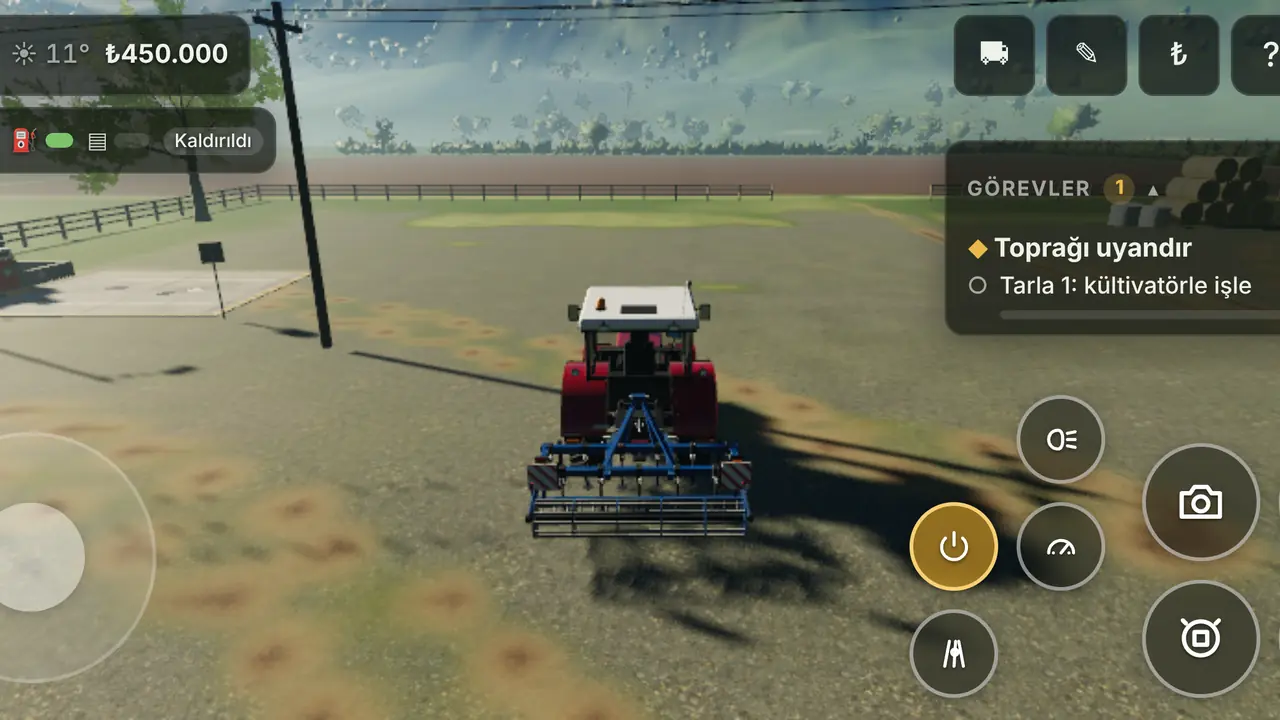
Take the wheel

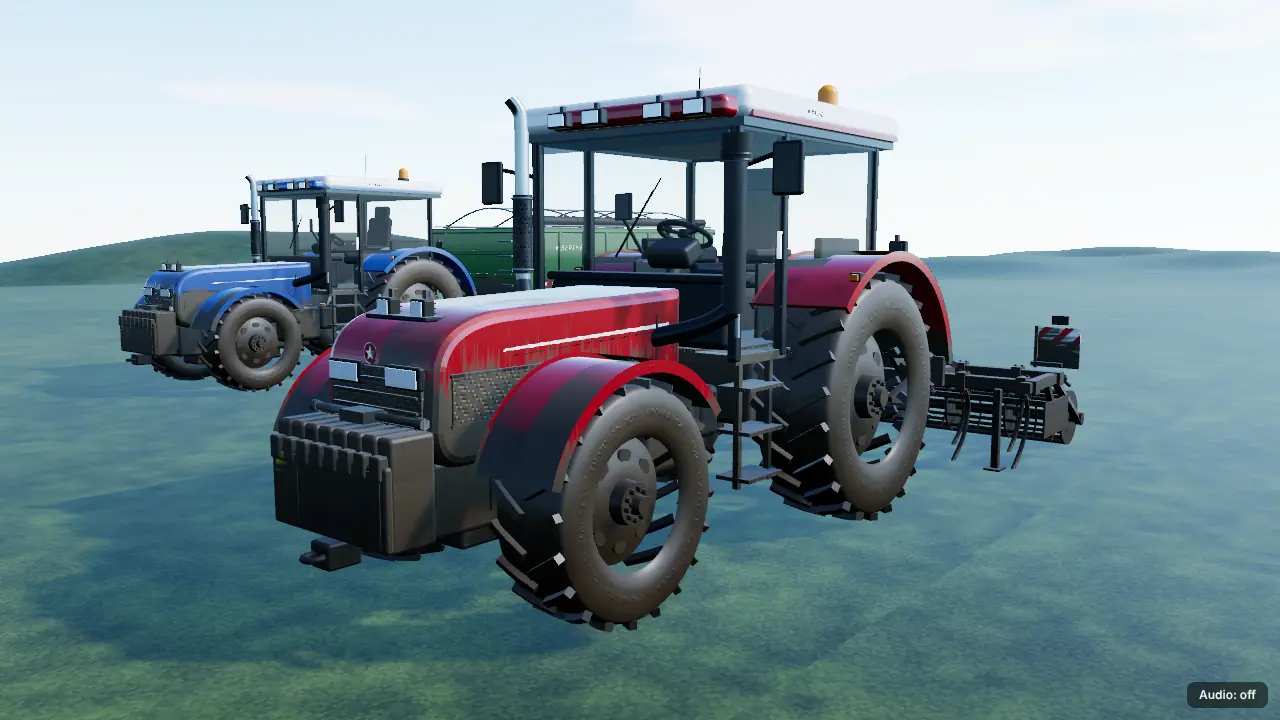
Drive the tractor, hitch the implement, switch to the cab view. When the combine's tank is full, pull the trailer alongside, unload the grain and haul it to the silos.

  • Tractor, combine, trailer and ten implements: plough, cultivator, seeder, sprayer, fertiliser and lime spreaders…
  • Physics-based driving, GPS guidance lines, work lights at night
  • Buy, sell or rent by the day at the machine dealer

Co-op with friends

2–4 players on one farm: shared money, fields and machines, with chat and quick messages. Hosted on your own server.

The full game on your phone

Touch joystick and large buttons, plus gamepad and keyboard. Graphics quality adapts to your device automatically.

Free, no account

Single player needs no sign-up, no e-mail and no install. No ads, no tracking.

Animals

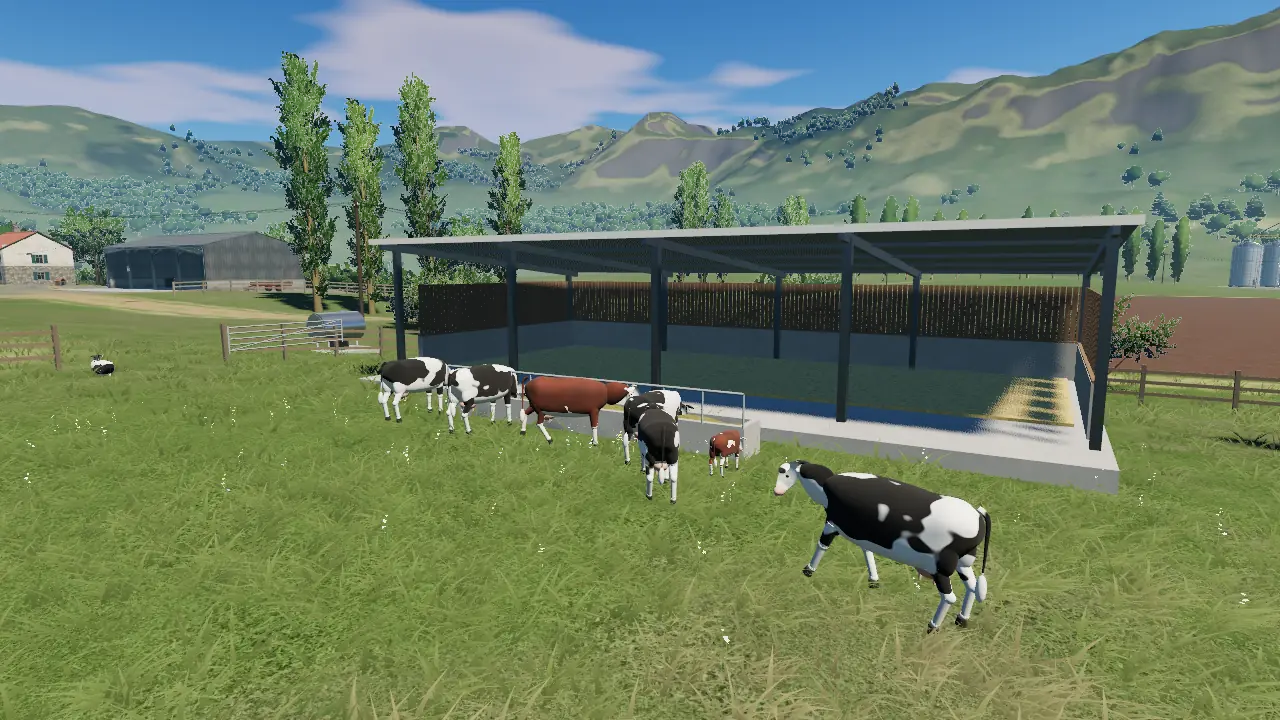
Feed and water your cows and chickens; milk and eggs open a new source of income for the farm.

Install it like an app

Add it to your home screen: it opens full screen and, after the first launch, works without an internet connection.

English and Turkish

Interface, story and dialogue in both languages. Switch any time in Settings.

System requirements

A current browser is all it takes

The game renders with WebGPU where the browser has it and with WebGL2 everywhere else. Quality (low, medium, high) is picked for your device.

Minimum 30 FPS

Browser
With WebGL2: Chrome / Edge 113+, Firefox 115+, Safari 17+
Memory
2 GB RAM
Graphics
Integrated GPU or a mid-range phone (last 4–5 years)
Download
About 15–25 MB on first launch, cached afterwards

Recommended 60 FPS

Browser
Current Chrome or Edge (WebGPU)
Memory
4 GB RAM or more
Graphics
Dedicated GPU or a recent integrated GPU
Controls
Keyboard and mouse, gamepad or touch screen

If the game does not start, use the “Retry with WebGL2” button on the loading screen or add ?gl=1 to the address.

FAQ

Frequently asked questions

Is it really free? Do I need an account?

Yes. Single player is free and needs no account: open the game page and press “New game”. An account is only needed for co-op and cloud backups. Free play and the first two story chapters stay free; chapter 3 onwards will come later as extra content.

How do I install it as an app?

Hasat Vadisi is a PWA. Open the game page, then in Chrome / Edge use the “Install” icon in the address bar, on Android “Add to Home screen” in the menu, on iPhone and iPad “Add to Home Screen” in Safari's Share menu. The game then opens full screen with its own icon.

Can I play offline?

Yes. Once you have opened the game and the main menu has loaded, the files are stored on your device and single player works offline from then on. Updates download by themselves when you are back online.

Where are my saves stored?

In your browser's own storage (IndexedDB) on your device: three save slots plus an autosave. Nothing is sent to a server. Clearing browser data or playing in a private window deletes the saves too, so keep using the same browser.

What do I need for co-op?

Co-op runs on the open-source game server and account service, which you run with Docker on your own server or computer (setup: docs/coop.md in the repository). This site hosts single player only, so “Play together” cannot reach a server here.

The game is slow or will not start. What can I do?

Set graphics quality to “Low” in Settings. The first launch compiles shaders and can take a little longer. If loading gets stuck, use “Retry with WebGL2” on the loading screen; you can copy the error text and send it to us.

What data do you collect?

None. There are no analytics, ads or third-party scripts on the page; even the fonts are your device's own.

The tractor is waiting in the yard

The main menu in seconds, your first field in minutes.